
BaseDeviceProfiles.ini
Download INI presets
How to find the file
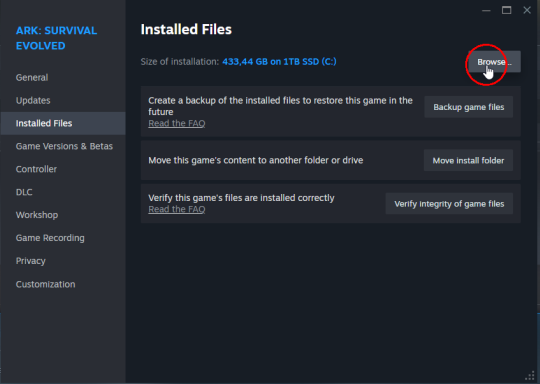
1Open your ARK install folder
In Steam, open ARK's local files from Manage > Browse local files.
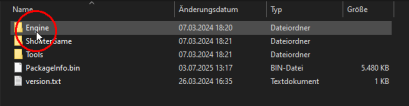
2Open Engine
From the game folder, open the Engine folder.
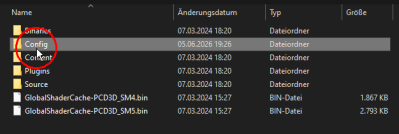
3Open Config
Inside Engine, open the Config folder.
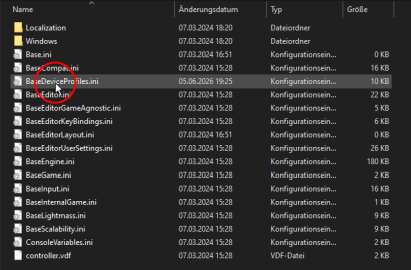
4Find BaseDeviceProfiles.ini
Inside Config, look for BaseDeviceProfiles.ini.
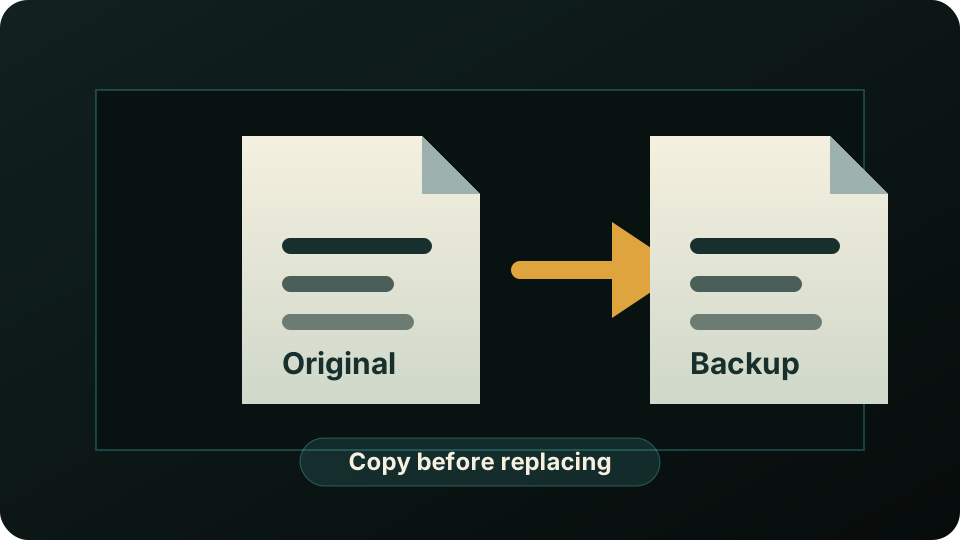
5Back up the file
Copy the original BaseDeviceProfiles.ini somewhere safe before replacing it.
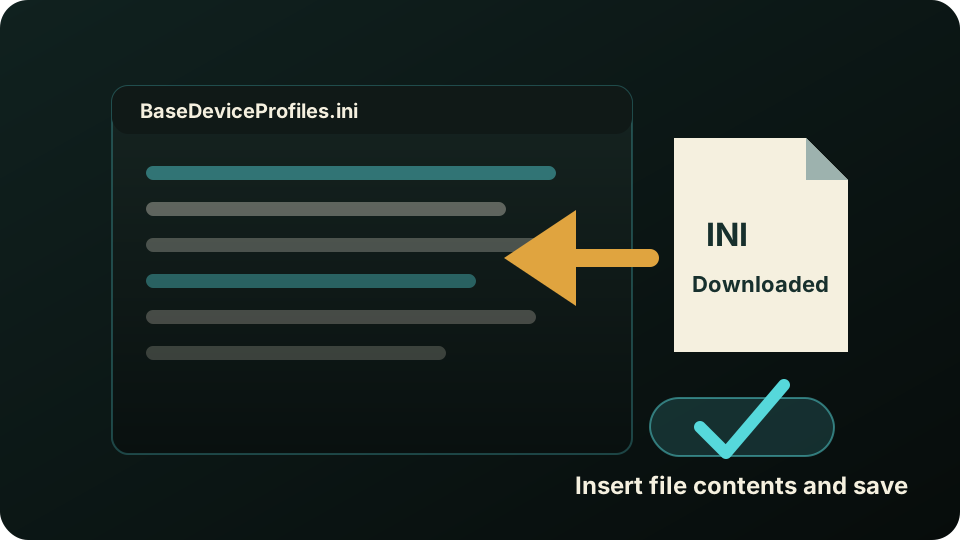
6Insert the downloaded INI and save
Open the downloaded file, copy its contents into BaseDeviceProfiles.ini, then save the file.